
The complete guide
How to Choose a Video Doorbell Camera That Actually Earns Its Place
The problem with not knowing who is at your door
Most people buy a doorbell camera after something small but annoying happens. A parcel goes missing. Somebody knocks while you are out and leaves no note. A neighbour mentions a stranger wandering the street late at night. None of these are dramatic, but they all share the same root cause. You have no record of what happened at the one spot where strangers routinely come right up to your house.
A doorbell with a camera fixes that quietly. It watches a small area, it tells you when a person is there, and it keeps a clip so you can check later. That is the whole job. The useful models do it reliably without turning your phone into a buzzing nuisance.
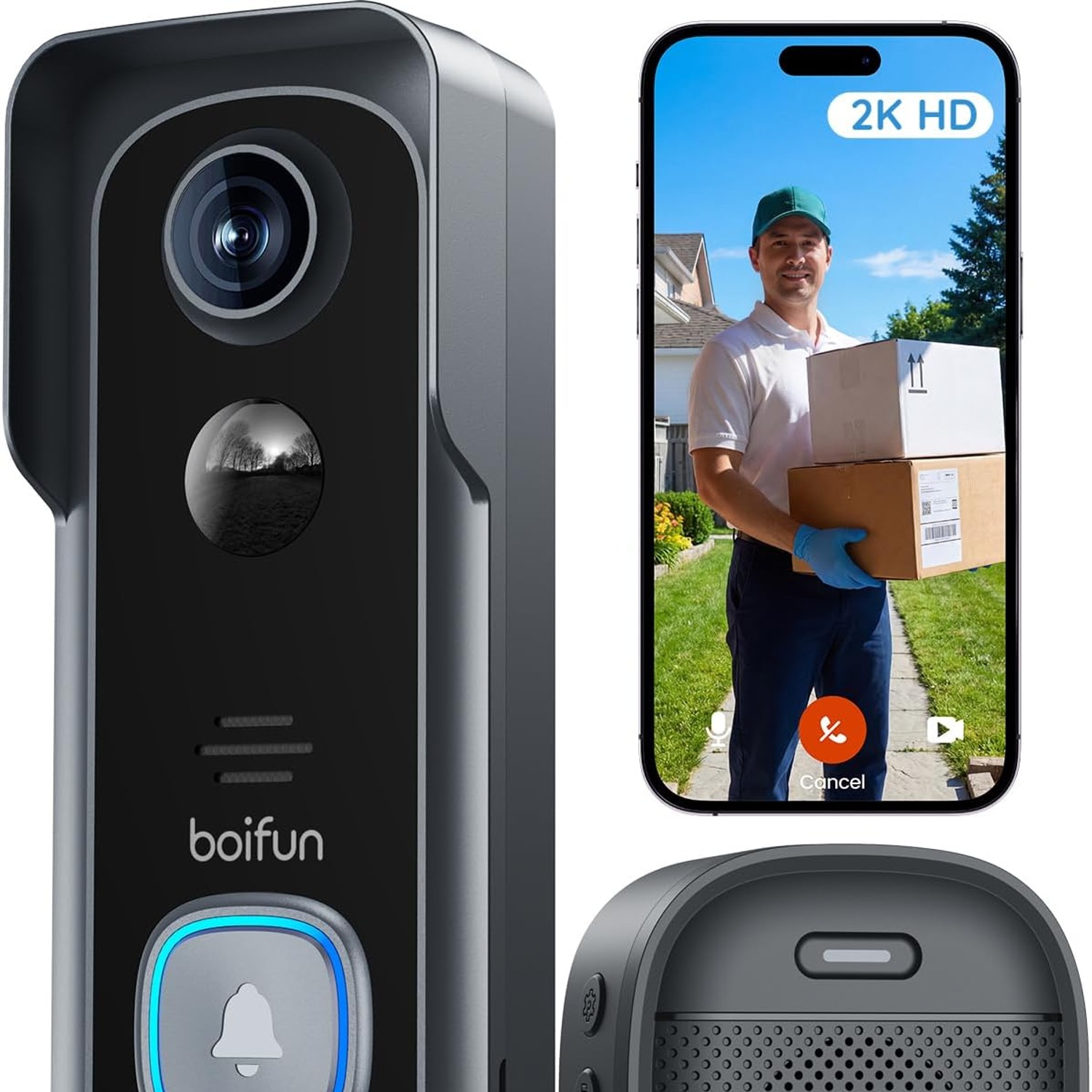
This guide walks through what matters when you are comparing options, using the 2K wireless doorbell camera on this page as the reference point.
How a battery video doorbell works
There are two broad families. Wired doorbells tap into your existing chime circuit and draw a trickle of power from it. Battery doorbells, like this one, carry their own rechargeable cell and talk to your router over Wi-Fi.
The battery version has one obvious advantage. You can mount it almost anywhere without an electrician, which is why it is so often the answer for flats, rentals and older houses where the wiring is either absent or a mystery. The trade-off is that you have to recharge it occasionally.
Here is the part people misunderstand. A battery doorbell does not film all day. It sits in a low-power state and wakes up when its sensor detects movement or someone presses the button. It records a short clip, sends an alert, then goes back to sleep. That event-triggered approach is what makes the battery last weeks rather than hours.
It also means your usage pattern decides your battery life. A doorbell facing a quiet driveway in a cul-de-sac will go a long time between charges. One facing a busy footpath with sensitivity cranked to maximum will not. Opening the live view repeatedly is the single biggest drain, far more than recorded events, because streaming keeps the radio and the sensor fully awake.
What the specs actually mean for you
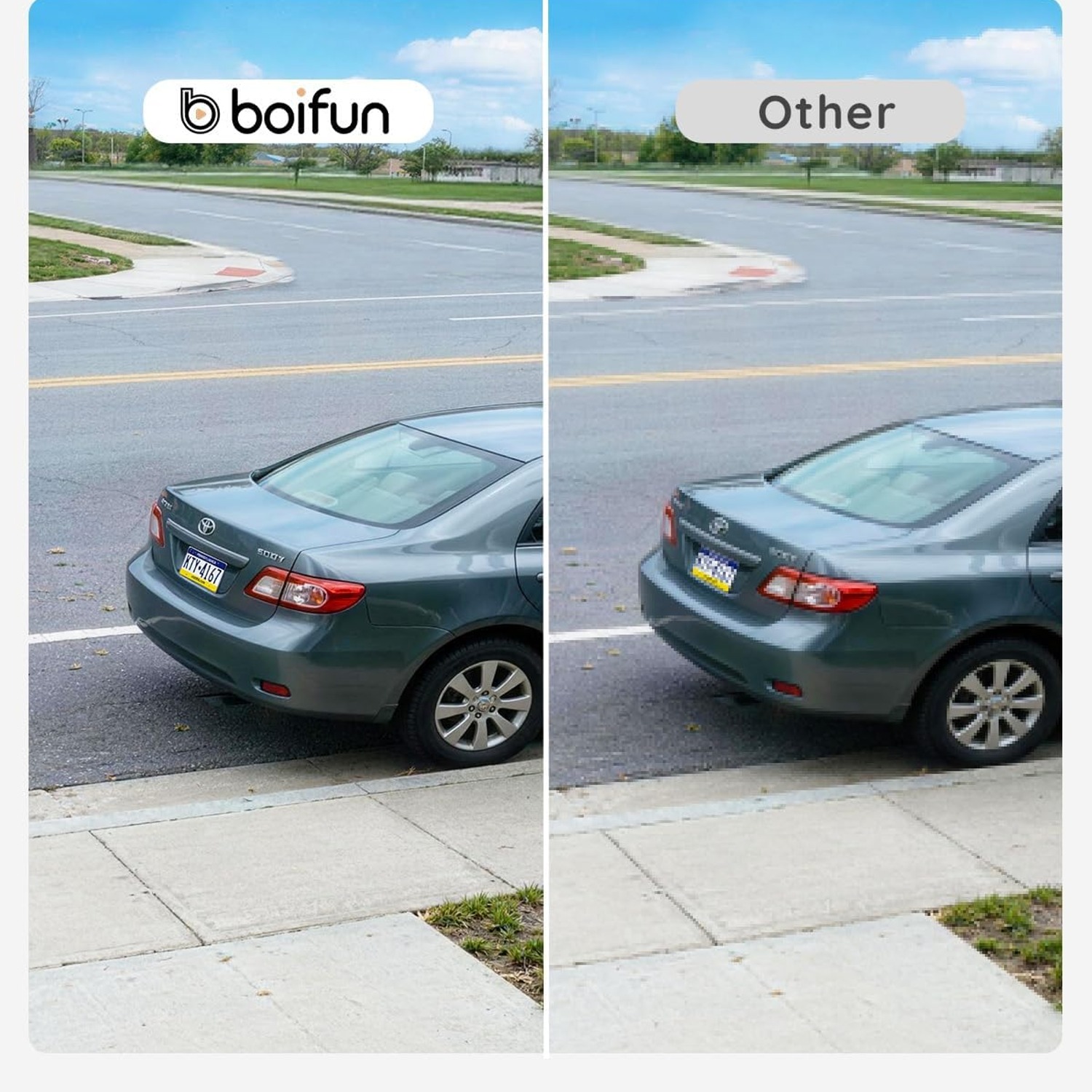
Resolution. This unit records in 2K. Higher resolution matters at the door more than it does elsewhere, because you are often trying to read something small, a face at an angle, a courier's badge, a number on a van. At 1080p those details blur. At 2K they usually survive.
Field of view. 166 degrees is wide. A narrow camera sees a head and shoulders and nothing else. A wide one shows the parcel on the mat, the step, and part of the path. The slight fisheye distortion at the edges of a wide lens is a fair price for seeing the whole scene.
Night vision. The stated range here is 10 metres with colour night vision. Colour is worth having. A grey-scale image tells you a person was there. A colour image tells you they were wearing a red jacket, which is the sort of detail that is actually useful afterwards.
Weather rating. IP65 means dust-tight and protected against water jets. That is a sensible outdoor rating for a doorbell. The ABS housing handles temperature swings and the odd knock without complaint.
Wi-Fi band. This model is 2.4GHz only. That is not a downgrade, it is a deliberate choice. 2.4GHz travels through brick and timber far better than 5GHz, and a doorbell sits at the edge of your network where range beats raw speed. Just be aware that if your router combines both bands under one network name, you may need to split them temporarily while pairing.
Alerts, and why human detection matters
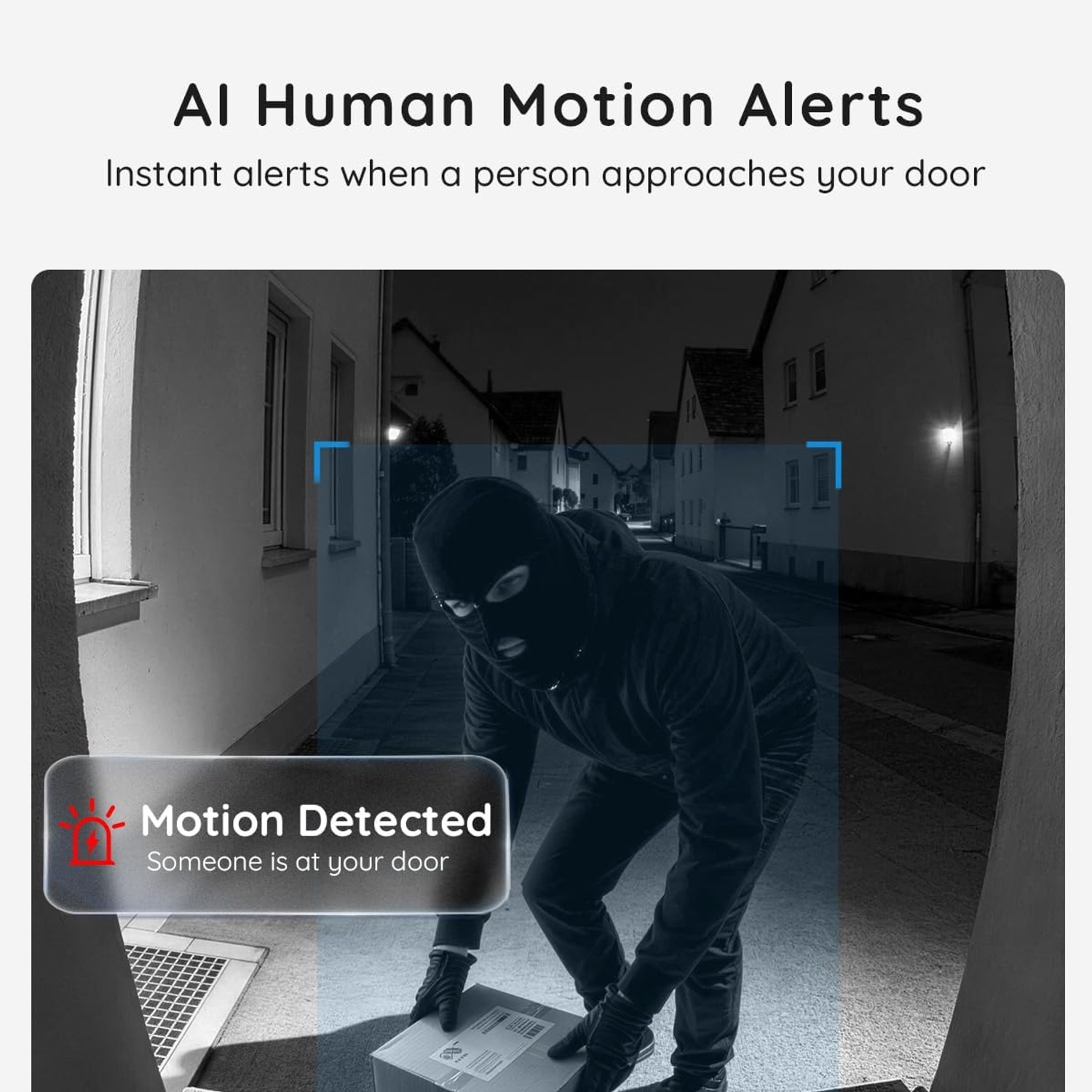
A motion sensor on its own is a blunt instrument. It fires at cats, at headlights, at a flag moving in the breeze. Within a week you stop reading the notifications, and at that point the camera has stopped doing its job.
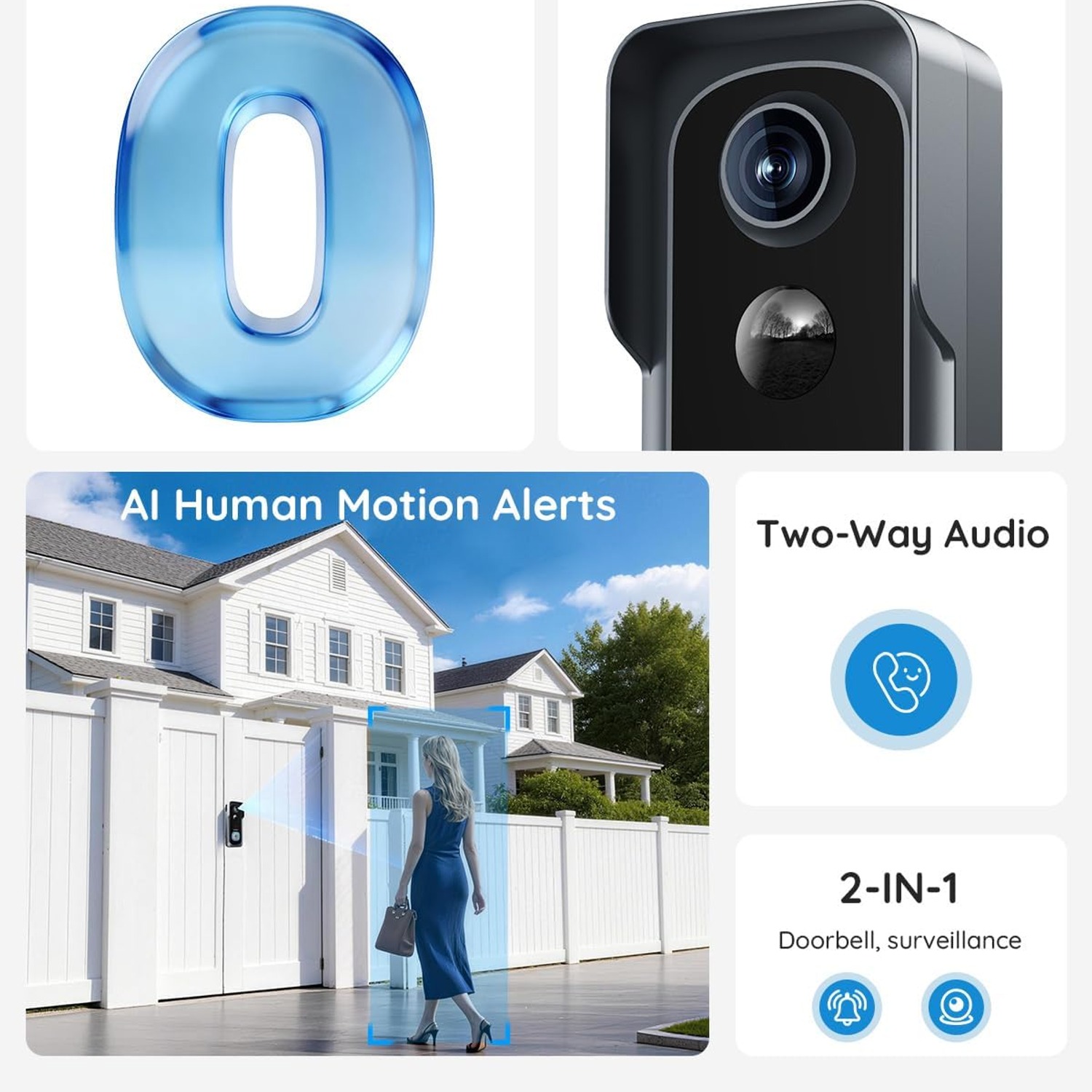
AI human detection filters for the shape of a person before it bothers you. It is not perfect, no system is, but the difference between forty alerts a day and four is the difference between a tool you use and one you mute.
You can tune this further. Drop the sensitivity if you back onto a busy street. Angle the camera slightly downward so it frames your path rather than the road behind it. Mounting height makes a real difference here, and it is worth spending five minutes getting it right rather than fixing it later.
Storage, subscriptions and where the footage lives
This is where doorbell cameras differ most, and where ongoing cost hides.
Local storage means the clips are written to a microSD card inside the unit. This model takes a card up to 128GB, sold separately. The appeal is simple. The footage is yours, it sits in your house, and it keeps working whether or not you are paying anyone a monthly fee. If you are shopping for a doorbell camera with SD card storage specifically, confirm the maximum card size before you buy one, because they vary.
Cloud storage is also supported here. Cloud has one genuine advantage. If someone removes the doorbell, the clips already uploaded are still safe. Some people run both for that reason.
Buy a high-endurance card rather than the cheapest one on the shelf. Security cameras write continuously in bursts over months, and standard cards aimed at holiday photos wear out faster under that pattern.
Who this suits, and who it does not
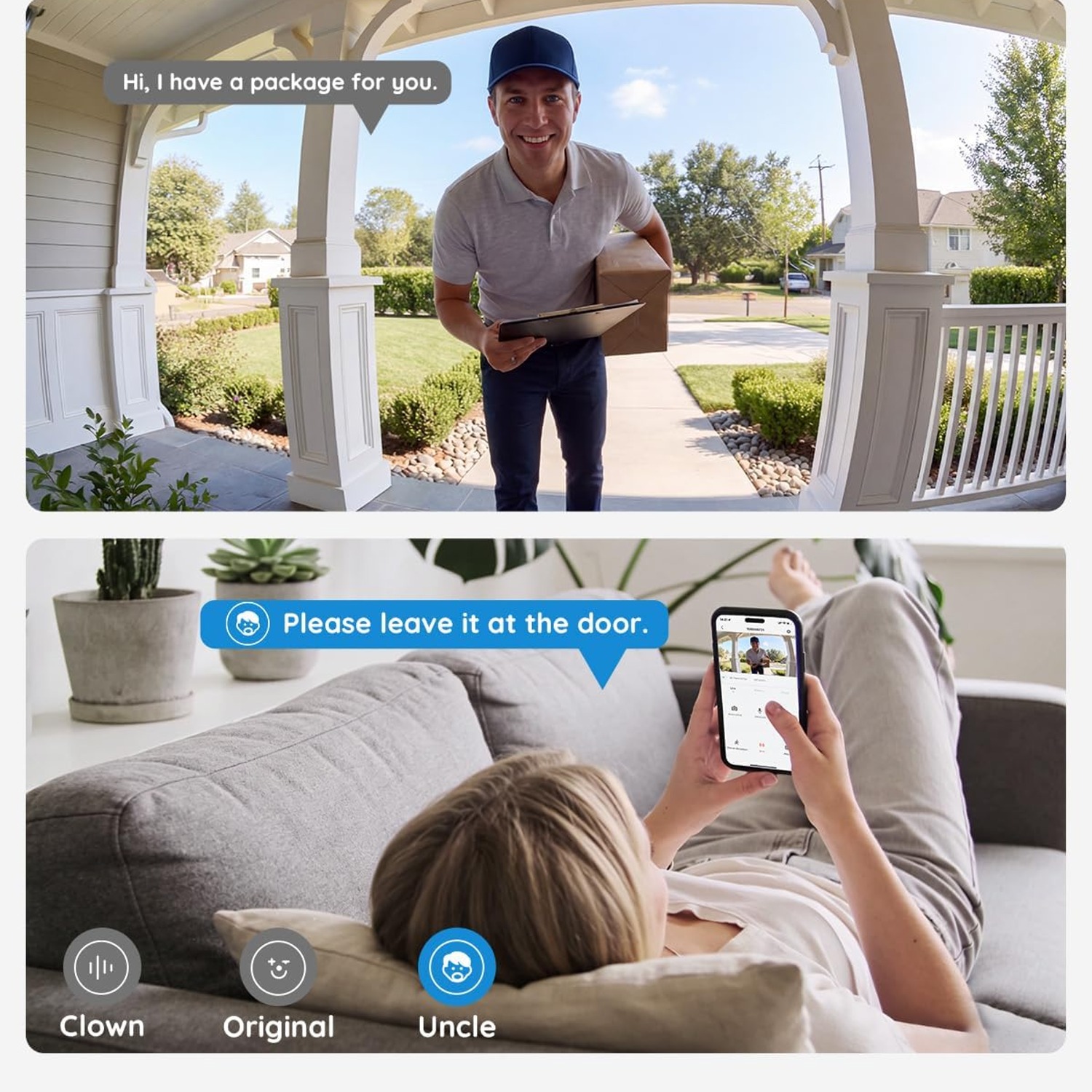
It is a good fit if you rent, if you live in a flat, if your house has no doorbell wiring, or if you simply do not want to open up a wall. It suits people who want to speak to couriers, who want to know when the kids get home, or who want a record of who called while they were out.
It is less ideal if your front door has genuinely poor Wi-Fi coverage and you are not willing to add a mesh node or extender. No battery doorbell performs well on a marginal signal. Check the bars on your phone standing at the door before you commit.
It is also not the right tool if you want continuous twenty-four hour recording. Event-triggered cameras do not do that, by design.
Installing it without regrets
Charge it fully first. Skipping this step is the most common reason someone concludes the battery is faulty in week one.
Pair it indoors near the router, confirm it works, then take it to the door. Mount it at roughly chest to shoulder height on an average adult. Too high and you film the tops of heads. Too low and you get a lot of knees.
Test the view before you commit to the final screw position. Open the live feed, stand where a visitor would stand, and check the framing. Also check what is in the background, because anything that moves back there will be competing for the sensor's attention.
Looking after it
Maintenance is light. Wipe the lens with a soft cloth every month or two, more often if you get wind-driven rain or dust. A smeared lens does more harm to picture quality than any spec sheet difference.
Keep the charging port cover closed and seated. Avoid solvents and abrasives on the housing. If you are painting the door frame or pressure-washing the wall, take the unit down first rather than trying to work around it.
Recharge when the app says to. Running a lithium cell to empty repeatedly is not kind to it.
The short version
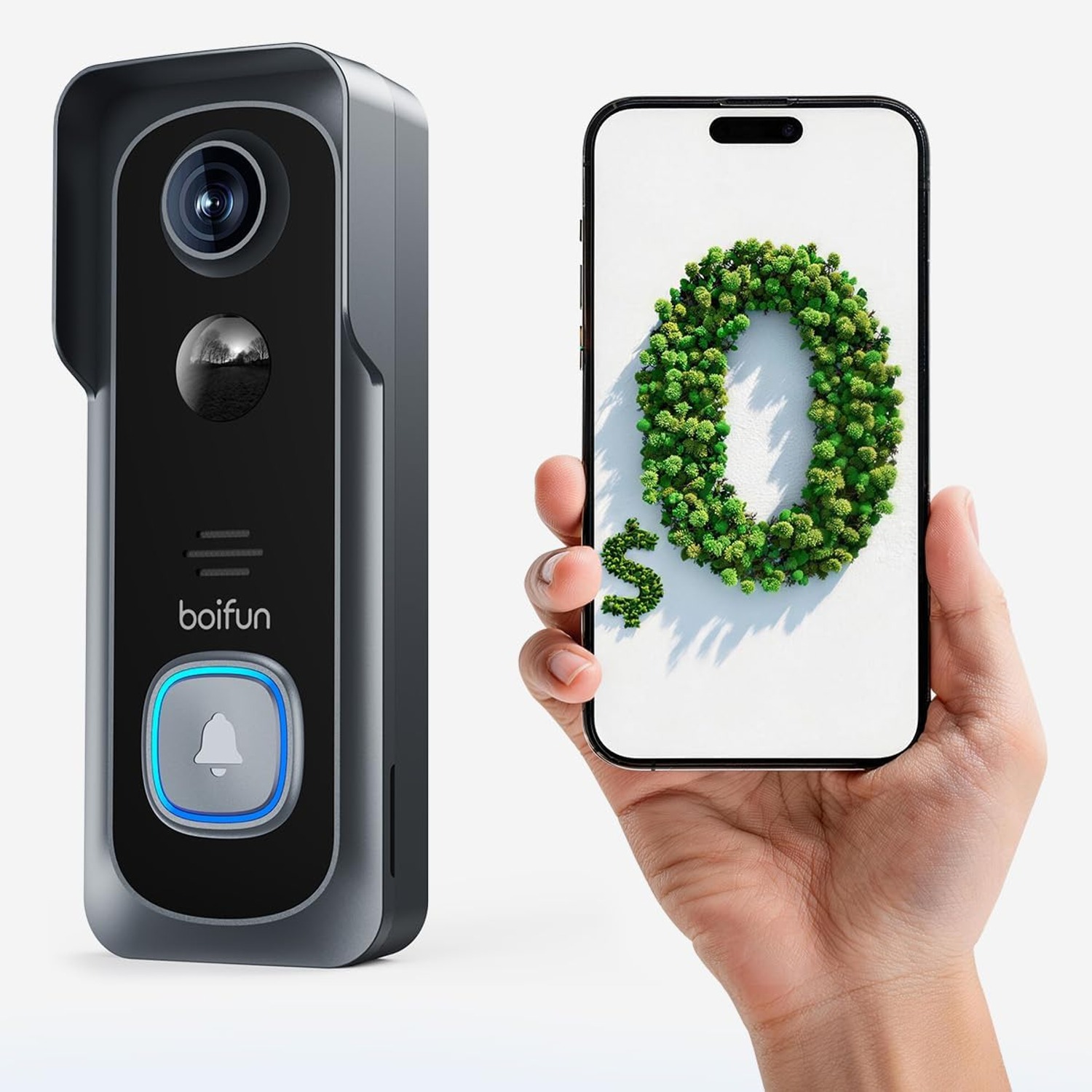
A doorbell camera is a small, specific tool. It watches one square metre of your property and tells you when a person is standing on it. This one does that in 2K across a 166 degree view, in colour after dark to about 10 metres, with two-way talk and human-focused alerts.
It is battery powered, so installation needs no wiring and no electrician, which makes it practical for rentals and apartments. It records to a microSD card up to 128GB, with cloud as an option, so the core features do not depend on a subscription. It is IP65 rated and built from ABS, so weather is not a concern.
Check two things before you buy. First, that you have decent 2.4GHz Wi-Fi at the door. Second, that there is room on your frame for a unit 14.7 cm tall. Get those right and the rest is straightforward.