

The complete guide
How to Choose an Indoor WiFi Camera 360 for Your Home
The problem with a camera that cannot turn its head
Most people start with a cheap fixed camera, stick it on a bookshelf, and feel fine about it for about a week. Then something happens just outside the frame. The dog chews a chair leg in the corner you cannot see. A delivery driver leaves a parcel on the wrong side of the hallway. The baby rolls to the far end of the cot. You have footage, but it is footage of empty carpet.
A fixed lens gives you one angle forever. Rooms are not shaped like that. They have corners, doorways, two or three places where things actually happen, and those places are rarely all in one view. You can buy three cameras, or you can buy one that moves.
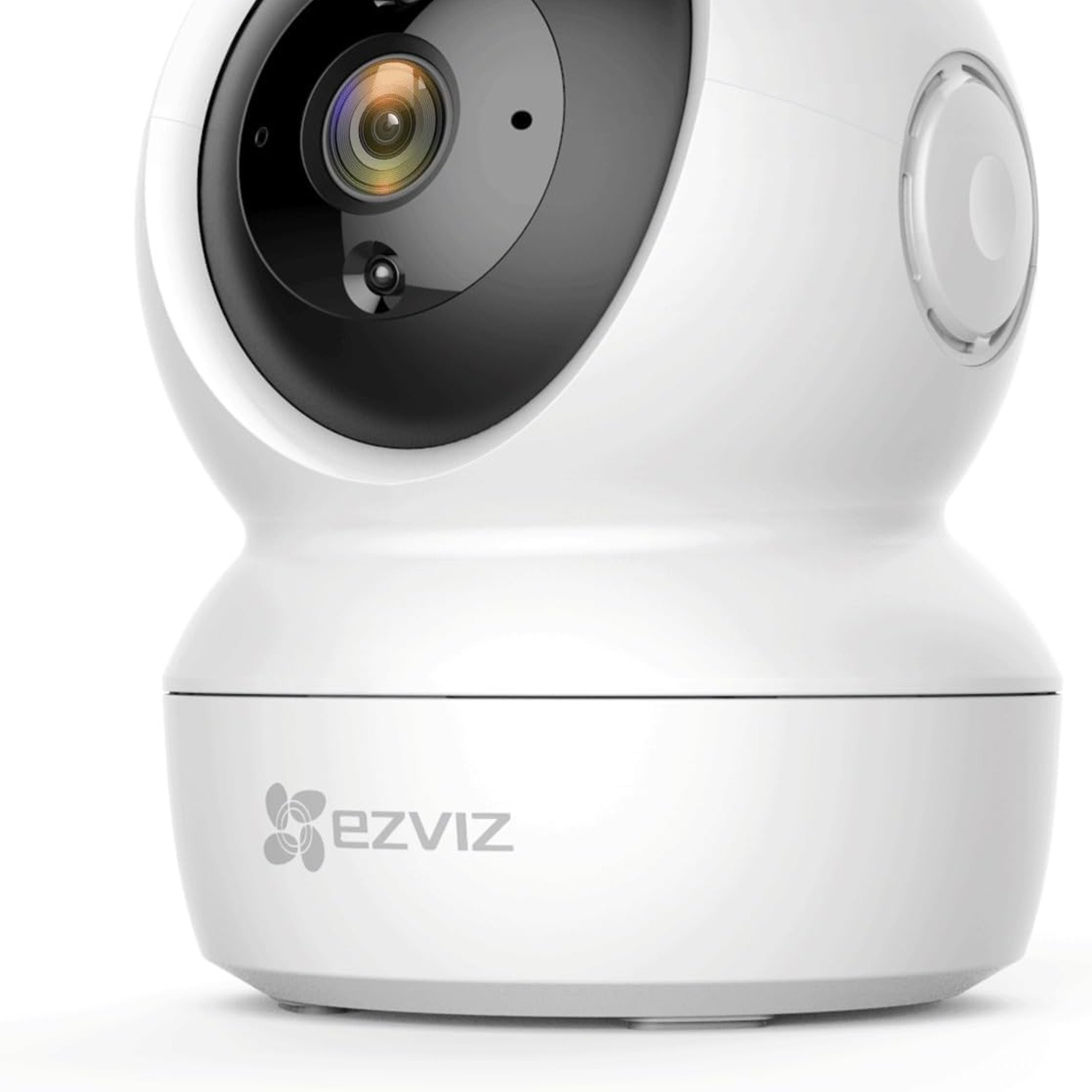
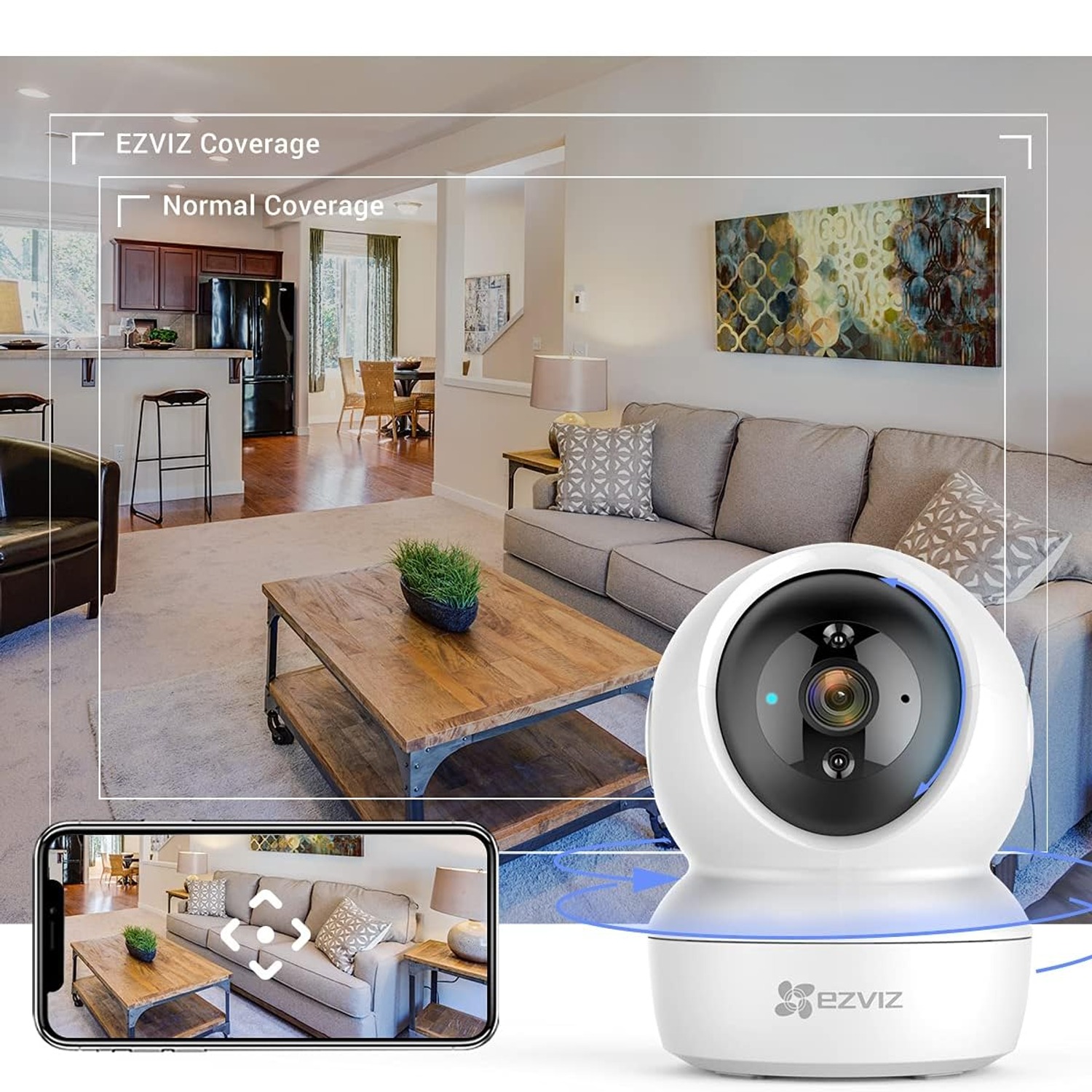
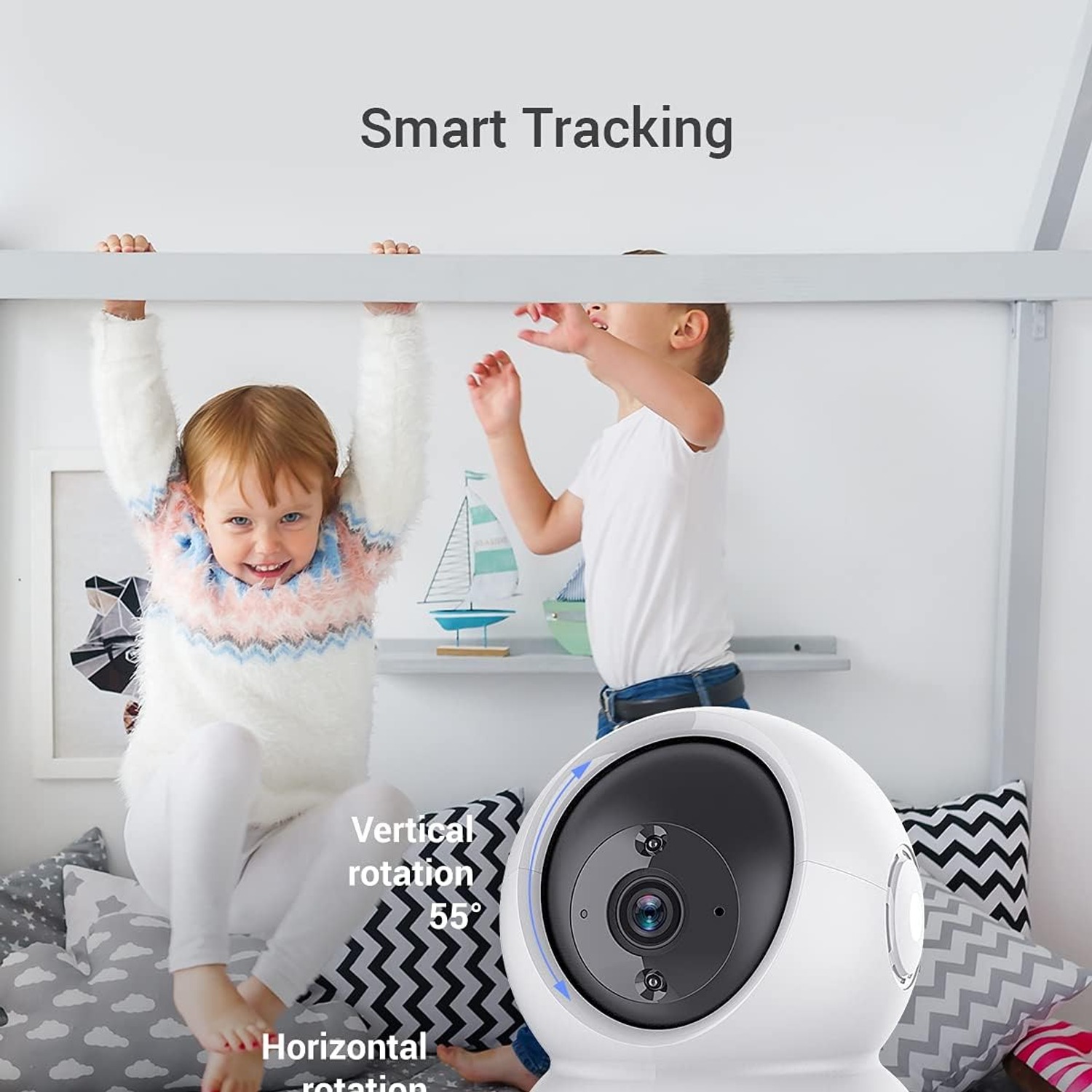
That is the real argument for a pan and tilt model. The motors inside this EZVIZ C6N swing the lens horizontally and tip it up and down, so you can look wherever you like from the app. One unit in a corner can cover a living room, a hallway entrance and the top of the stairs, depending on how you angle it.
How the 360 coverage actually works
It is worth being honest about what "360" means here, because the marketing on these cameras can be vague. The camera does not capture a full sphere at once. It has a normal lens with a normal field of view, and it rotates to point that lens in any direction. Over a full sweep you cover the whole room. At any single moment you see one slice of it.
In practice that is fine for most households, and in some ways better than a fisheye lens, which stretches faces at the edges and makes everything look distant. A moving camera gives you a natural-looking image wherever it is pointed.
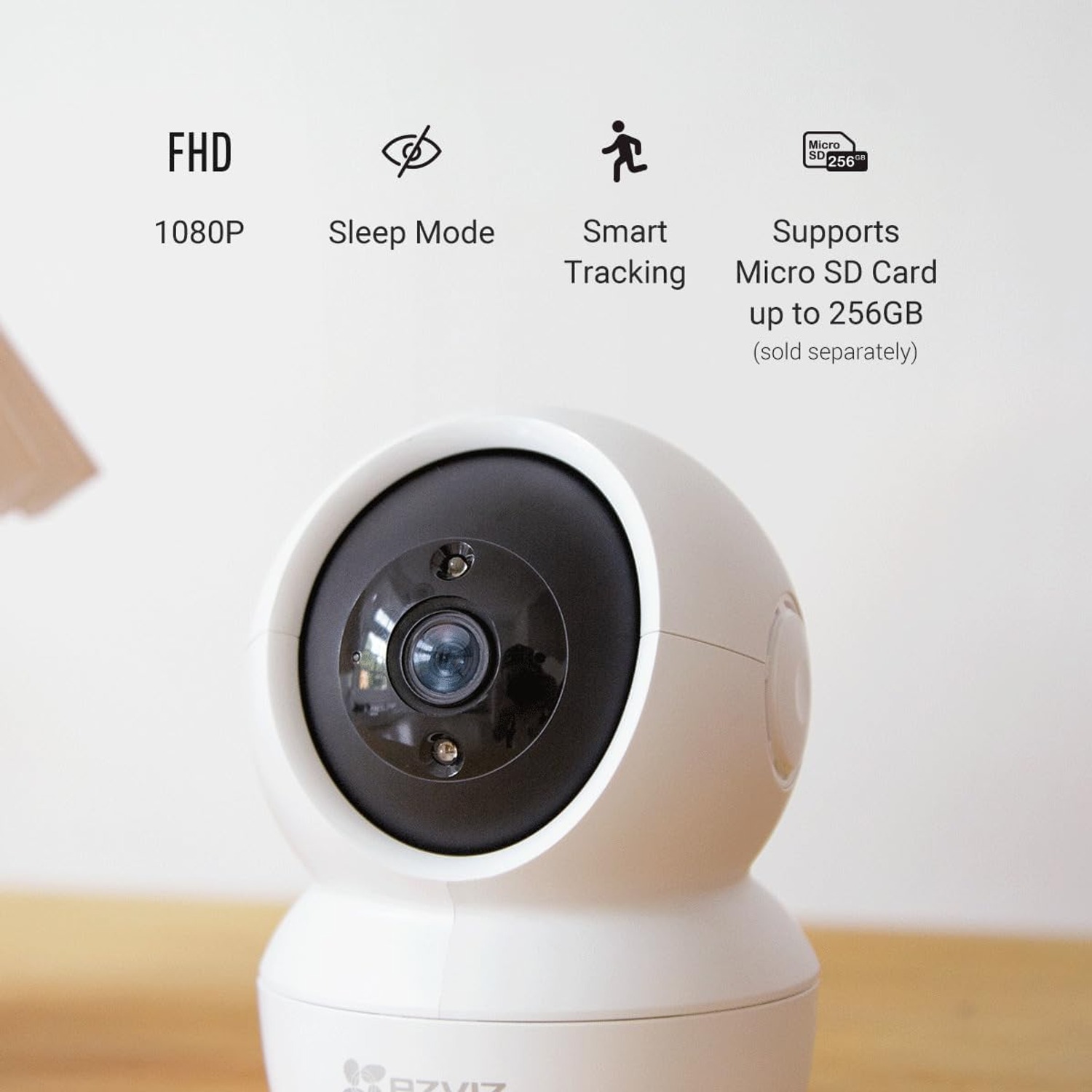
The camera can also follow movement on its own. Once motion detection triggers, it tracks the moving object across the frame instead of letting it walk off the edge. If you are comparing options and hunting for the best motion tracking camera at this price, that behaviour is the feature to look for.
Night vision, and why intensity control matters
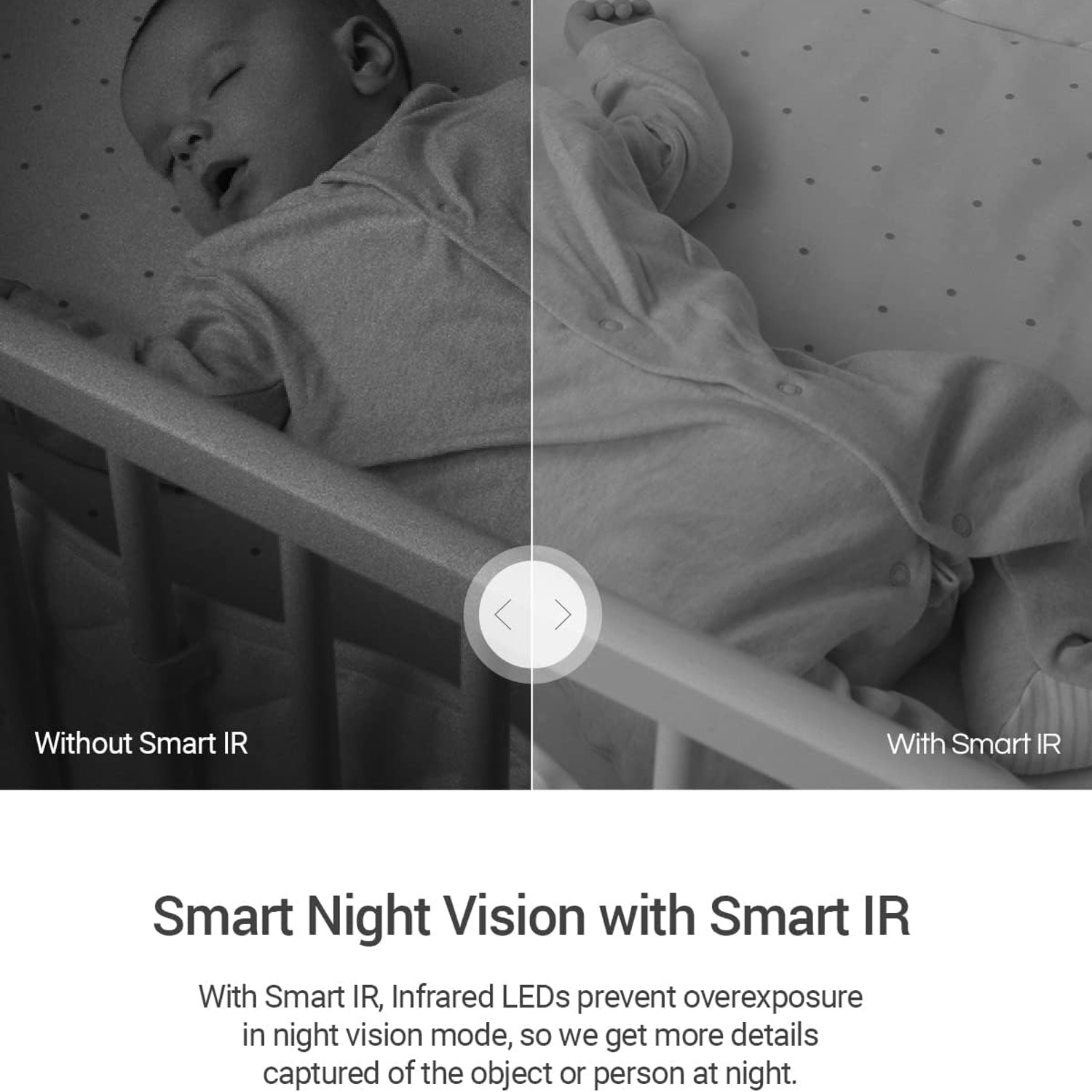
Night footage is where cheap cameras fall apart. The usual failure is overexposure. Infrared LEDs blast out at full power, someone walks close to the lens, and their face comes back as a white oval with no detail in it. You can see that a person was there. You cannot tell who.
This camera uses smart infrared, which eases the LED power back when a subject is near. You get more detail on close objects and a more balanced image overall. The listed range is about 10 metres, which covers a typical bedroom, nursery or lounge comfortably. The night mode is described as Night Colour.
Two practical tips. First, do not point the camera through glass at night, because infrared reflects off the pane straight back into the lens and gives you a white fog. Second, keep the lens clean, since dust scatters infrared far more than it scatters daylight.
Who this kind of camera suits
New parents. The combination of a moving lens, 10 metre night vision and two-way audio makes it a sensible nursery camera. You can watch from another room, see the whole cot without getting up, and talk to settle a grizzle. People searching for the best wifi baby monitor camera often land on pan and tilt models for the simple reason that babies move.
Pet owners. Dogs and cats do not stay where you left them. Being able to pan around until you find the cat on the kitchen bench, then tell it to get down, is more useful than it sounds.
Renters and flat dwellers. It plugs in, mounts on a surface and needs no drilling if you sit it on a shelf. Nothing permanent, nothing to patch when you move out.
Families checking in on an older relative. Used with that person's agreement, a camera with two-way talk makes a quick daily check easier than a phone call. Consent is not optional here, so have the conversation first.
Who it does not suit: anyone needing outdoor coverage. The rating is IP21 and the camera is listed as not water resistant. A porch, carport or garden shed will kill it. Buy a sealed outdoor camera for those jobs.
Choosing where to put it
Height helps. A camera at ceiling height or in a high corner sees over furniture and gets a wider sweep from the same spot. It also keeps the lens away from curious toddlers and cats.
Think about light before you think about looks. The worst position is pointing straight at a bright window, because the camera metres for the window and everyone in the room becomes a silhouette. Turn the camera so windows are behind it or off to one side.
Power is the other constraint. This model is corded electric at 5 volts and 5.5 watts, with no battery. Your mounting spot has to be within reach of a socket, or within reach of a cable run you are happy to look at. Measure before you commit to a spot on the ceiling.
Finally, check your WiFi where the camera will live. Video needs more bandwidth than most smart home gear. If your phone struggles to load a page in that corner, the camera will struggle too. A mesh node or a repeater usually fixes it for less than the cost of a second camera.
Storage, alerts and privacy
You have two ways to keep footage. A microSD card slots into the camera and keeps everything local, which some people prefer. That card is sold separately, so order one at the same time if you want recording from day one. The alternative is the EZVIZ cloud service, with encrypted traffic between the camera, app and server.
Motion alerts land on your phone. The thing most people get wrong is leaving sensitivity at maximum, then turning alerts off entirely after a week of being pinged by sunlight moving across a rug. Spend ten minutes tuning the sensitivity and, if the app allows it, the detection zone. A camera that alerts you five times a day is useful. One that alerts you fifty times is noise.
Privacy deserves a mention too. Sleep mode switches the camera off from the app when you are home, which is a small feature that makes a big difference to how comfortable a camera feels in a living space. Use a strong, unique password on the account, and keep the firmware updated through the app.
Looking after it
There is not much to it. Unplug before cleaning, wipe the housing and lens cover with a dry microfibre cloth, and leave the solvents in the cupboard. Do not spray anything directly at the camera. Keep it out of bathrooms, laundries and anywhere steamy, since it is not sealed against moisture.
Check the cable occasionally, especially if it runs along a floor or behind a door. Give the lens a quick wipe every month or two and your night footage will stay sharp.
The short version
This is a small white plastic camera, 218 g, that plugs in and watches a room properly instead of watching one corner of it. The motors pan and tilt for full room coverage, smart infrared reaches about 10 metres at night without blowing out close faces, and two-way audio lets you talk as well as watch. It records MP4 to a microSD card you supply, or to the EZVIZ cloud, and it answers to Alexa and Google Home.
Indoors only, though. IP21 and not water resistant means it stays inside, away from damp. Get a socket within reach, mount it high, point it away from windows, and spend a few minutes tuning motion sensitivity. Do that and it will quietly do its job.