

The complete guide
How to Choose a Battery Indoor Security Camera That Actually Gets Used
The problem with most indoor cameras
The camera people buy and the camera people keep using are often not the same thing. A lot of indoor cameras end up in a drawer within a month, and the reasons are usually boring. The cable would not reach the right spot. The picture was too soft to tell who was at the door. The alerts went off forty times a day because a curtain moved, so the owner turned them off and stopped looking.
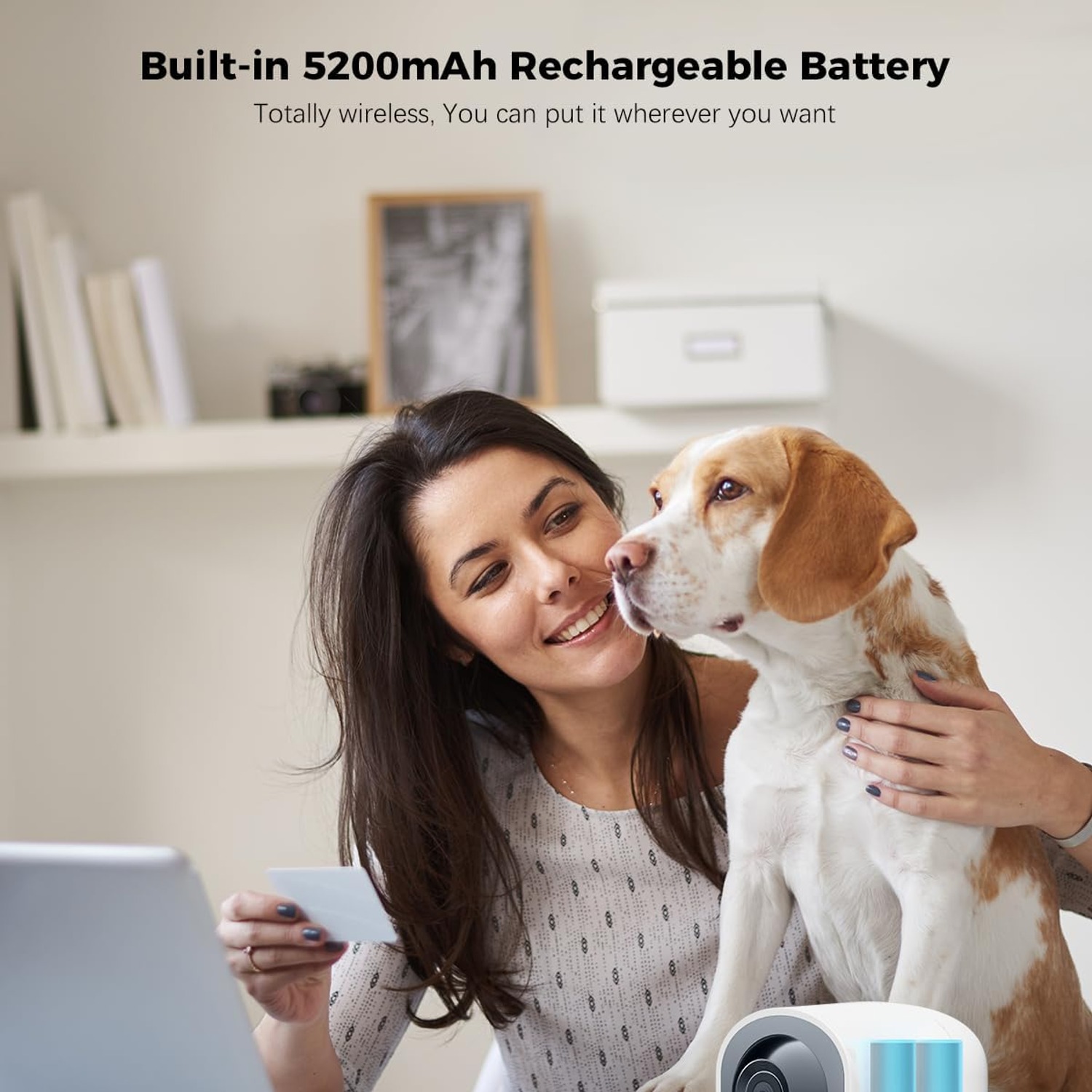
A battery indoor security camera solves the first problem outright. With a 5200mAh rechargeable cell inside, this COCOCAM unit can go wherever you want it, not just where there happens to be a power point. That sounds like a small thing until you try to position a corded camera in a lounge room. The best view is almost always from a high shelf in the middle of a wall, which is exactly where there is no outlet.
The second and third problems come down to picture quality and control, and that is where panning and 2K resolution matter.
How the pan and tilt actually helps
A fixed camera sees one cone of a room and nothing else. You set it up aimed at the back door, and then you need to know whether the kitchen window is shut, and you cannot. You add a second camera. Then a third.
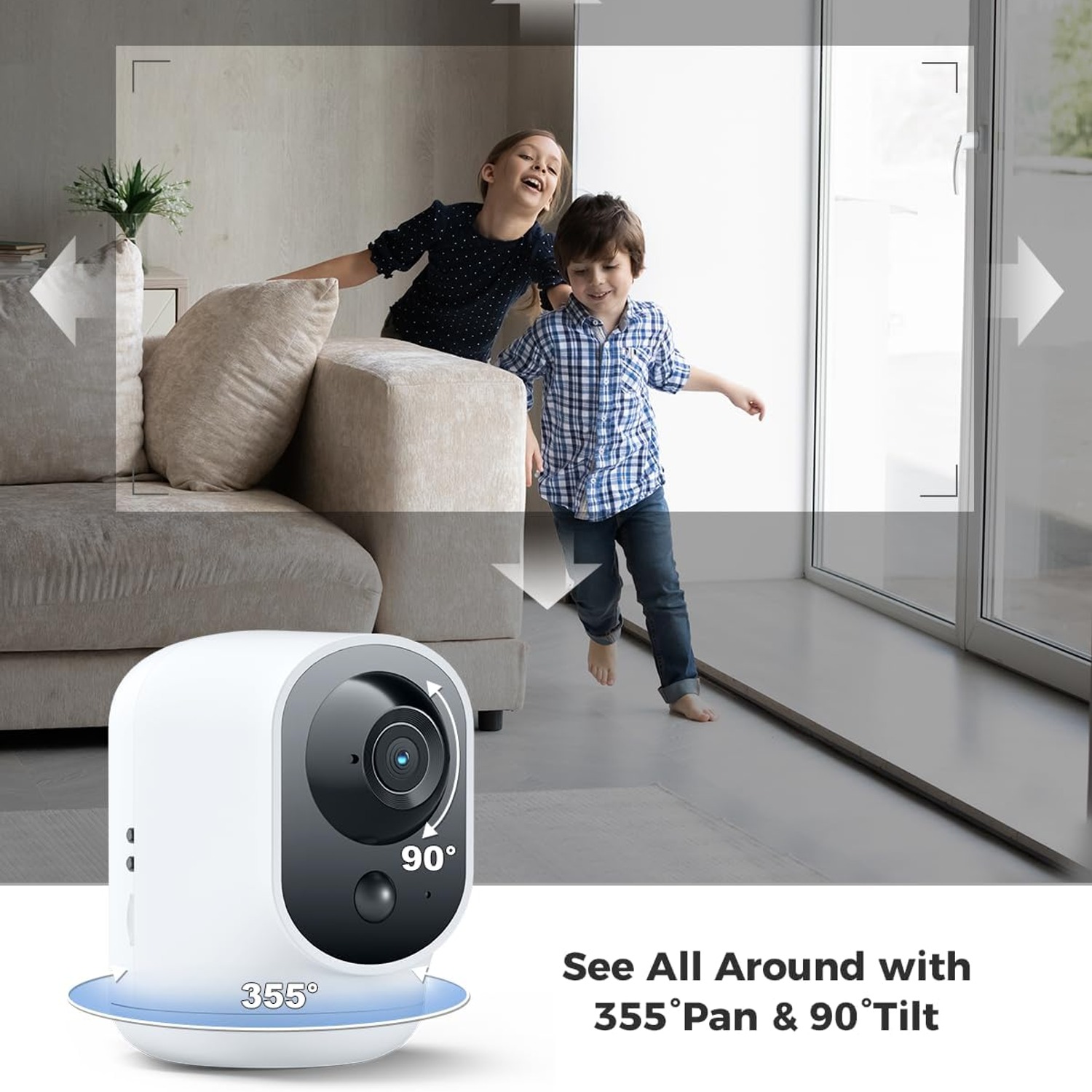
This model pans 355 degrees horizontally and tilts 90 degrees vertically, and you drive it from your phone. Open the app, swipe, and the lens swings. In an open-plan living area, one camera on a central shelf can show you the sofa, the hallway entrance, the kitchen bench and the sliding door, one after another. You lose the ability to see all of them at once, which is the trade-off, but for a home rather than a shop, being able to look anywhere beats being able to see one thing permanently.
One honest limitation worth knowing before you buy: this camera does not auto track. It will not follow a person across the room by itself. If something triggers an alert, you open the app and steer the view yourself. For most households that is fine. If you specifically want a camera that locks on and follows, this is not the model for that.
Why 2K matters more than it sounds
Resolution numbers get thrown around a lot, and the difference between 1080p and 2K looks academic on a spec sheet. It is not academic when you are squinting at a clip.
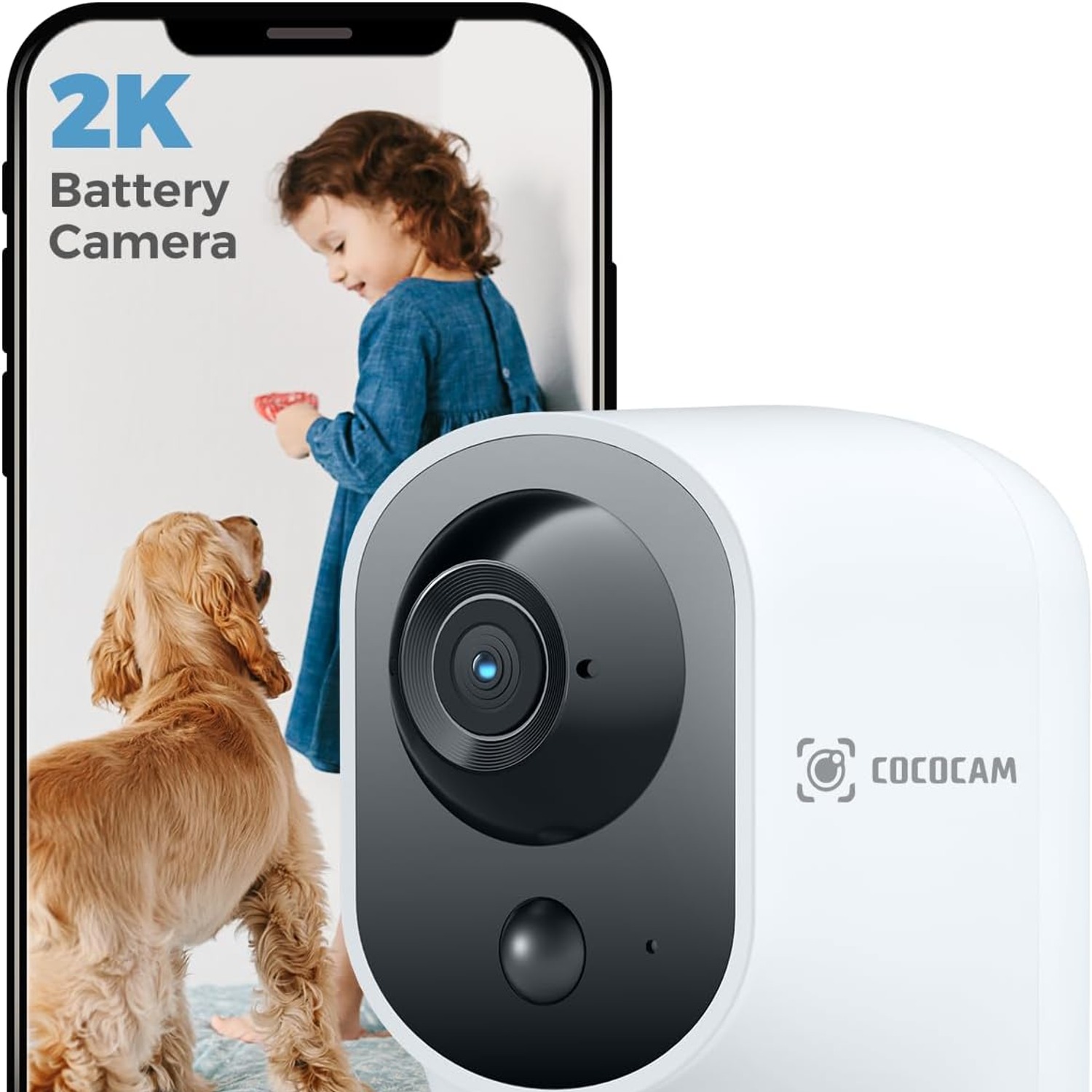
This camera records at 2304x1296, a 3MP image from a CMOS sensor. The extra pixels pay off in one specific situation: digital zoom. When you crop into a face, a parcel label or a number on a jersey, 1080p falls apart fast. At 2K you get another step of usable detail before the image turns to mush. For a camera that might be sitting six or eight metres from the thing you care about, that step matters.
Footage saves in ASF format, either to a microSD card of up to 128GB or to cloud storage. The card is not included, so budget for one if you want local recording. A lot of buyers prefer cards because there is no subscription attached and the footage never leaves the house. Cloud storage has the opposite advantage: if the camera itself walks out the door, the clips are still there.
Seeing in the dark
Night is when most people actually want a camera, and it is where cheap models fall down. This one has infrared night vision with a 20 metre range plus a Night Colour mode. Twenty metres is more than the length of most rooms, so a dark lounge or hallway gets lit well past the point where your eyes give up.
Two practical notes. Do not point the camera through a window at night, because infrared reflects off glass and you will get a bright white wall of nothing. And give it a little ambient light where you can, since even a small amount of spill from a hallway improves the image.
Who this camera suits
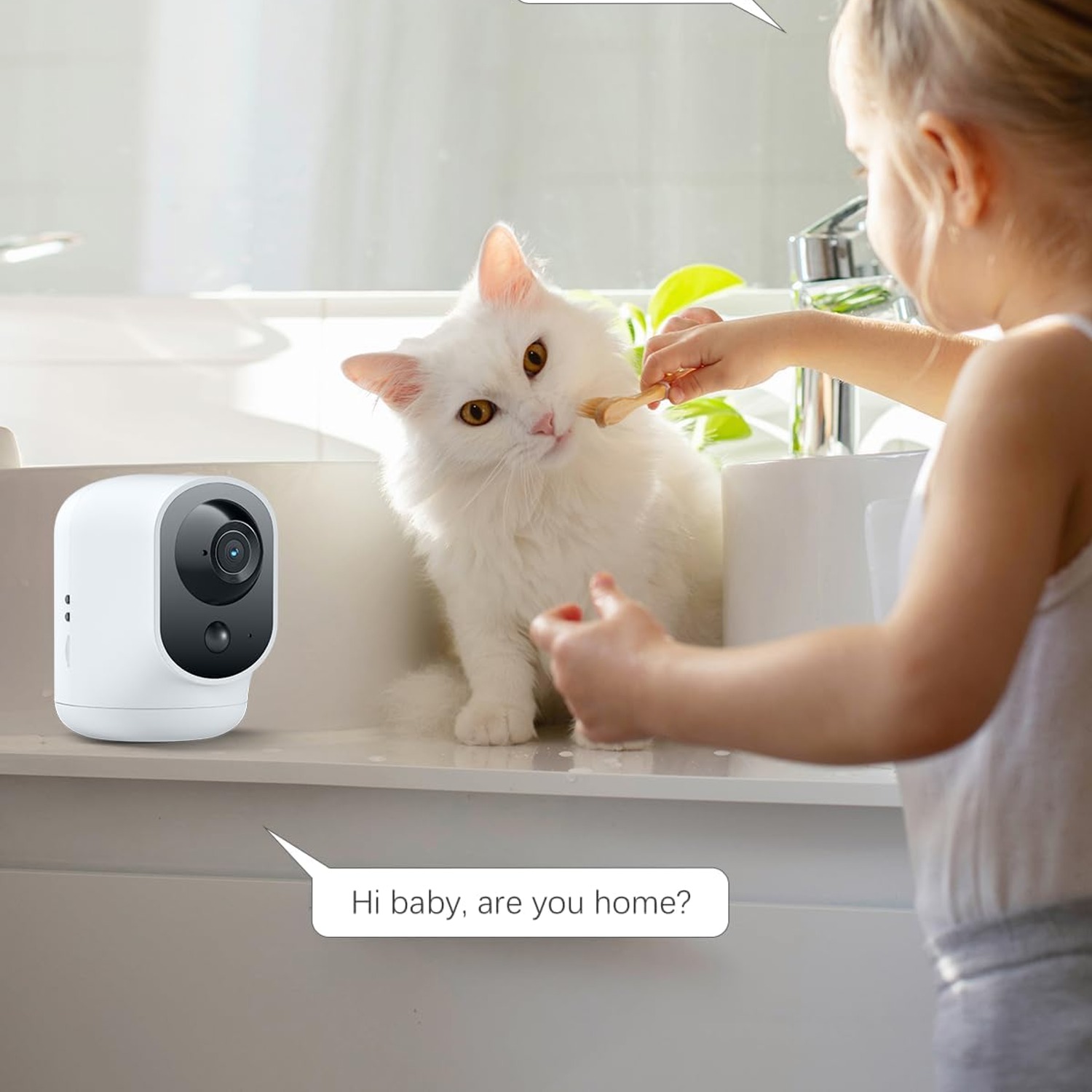
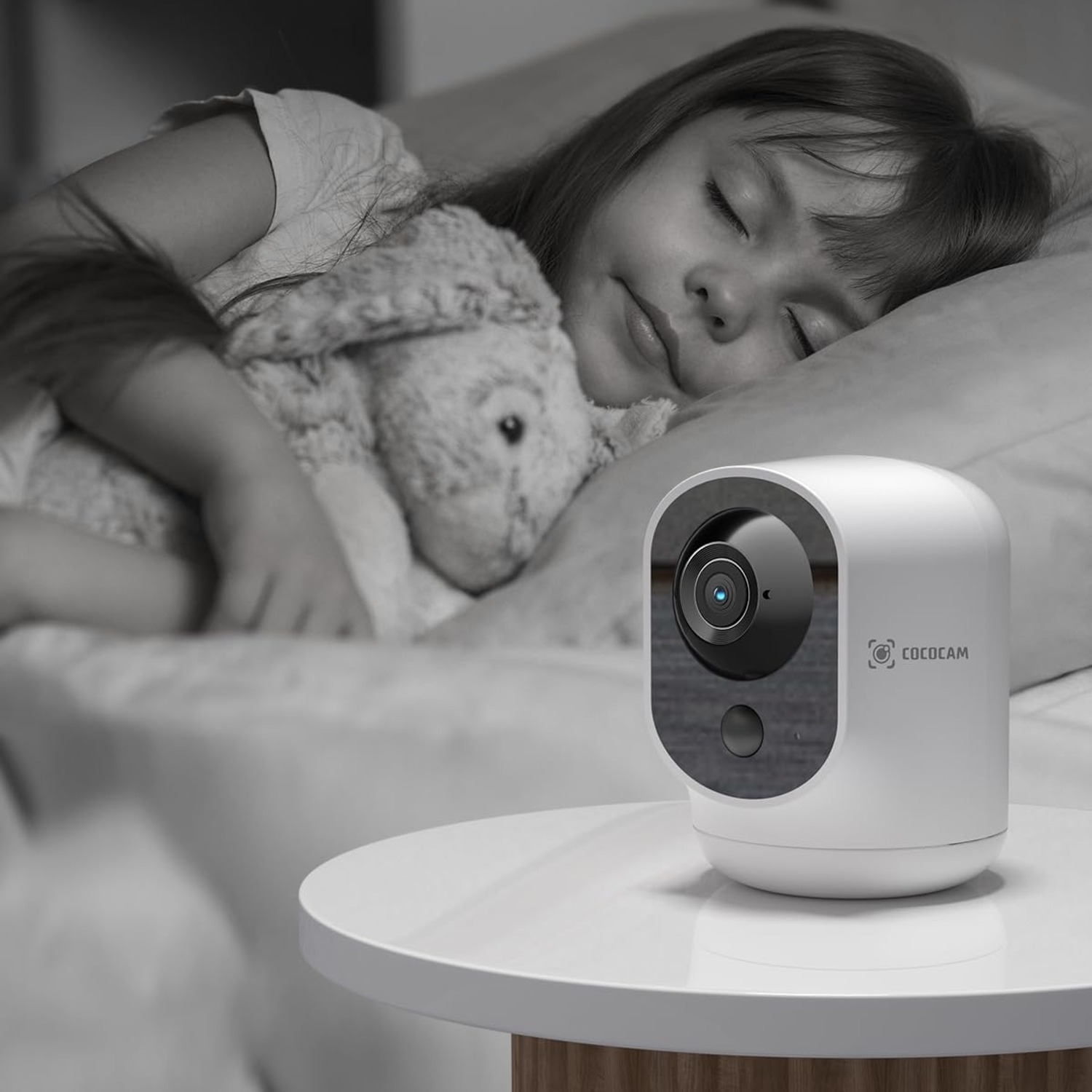
It fits a few clear situations. Renters, because there is no drilling and no wiring. Pet owners, who want to find the dog wherever it has gone rather than watch one empty corner. People checking on elderly parents, where two-way audio turns a camera into a way to talk rather than just watch. Parents who want eyes on a sleeping child from the other end of the house, with the usual sensible caution that this is a camera, not a certified medical monitor, and that the unit and any charging cable stay well away from a cot.
It also suits anyone who wants to move a camera around. Watching the tradie in the kitchen this week, the spare room next week. A cordless indoor camera makes that a thirty second job.
Who it does not suit: anyone who needs outdoor coverage. This camera is indoor-only and not weatherproof, and no amount of shelter will change that. Rain and humidity will kill it.
Getting the placement right
Height first. A camera at eye level sees the backs of heads and the side of a lamp. The same camera on a bookshelf at two metres sees the whole room. Because the lens tilts 90 degrees, you can place it high and angle down without losing the floor.
Think about the Wi-Fi next. It connects over Wi-Fi and uses Bluetooth during setup, so put it somewhere with a decent signal. A camera at the far end of a thick-walled house will drop out, and a dropped stream is worse than no camera at all because you stop trusting it.
Then think about alerts. The camera supports custom alarm areas, so you can exclude a window with a flapping curtain or a doorway the cat uses fifty times a day. Spend ten minutes setting this up properly when the camera is new. It is the difference between useful alerts and notifications you learn to ignore. You can also set the hours when alerts are active, which stops your phone buzzing during the family dinner.
Looking after it
There is not much to it. Wipe the white ABS housing and the lens with a soft dry cloth, and skip the alcohol wipes and anything abrasive, because both will haze the lens over time. The camera arrives with a protective film on the surface, so peel that off before first use or you will wonder why the picture looks foggy.
Recharge before the battery runs completely flat rather than letting it die every cycle. Keep the camera out of bathrooms, laundries and anywhere steamy. If you pack it away for a season, store it at room temperature with a partial charge.
Deciding how many you need
Start with one, in the room that matters most. For most homes that is the main living area, because it covers the front door, the hallway and the space where people actually are. Because this camera pans and tilts, it covers ground that would otherwise need two fixed units.
Add a second one later if there is a blind spot you keep wishing you could see. There is no rule that says you need a camera in every room, and there is a real cost to over-monitoring your own house. Most people settle on one or two.
The short version
If you want an indoor camera that goes where you want it, shows enough detail to be worth looking at, and lets you talk through it, this does the job. The 5200mAh battery means no cables. The 355 degree pan means one camera does the job of several. The 2K sensor and 20 metre night vision mean the footage is actually useful at 3am.
Just be clear on two things before you order. It is indoor only, and it does not track motion by itself. If both of those are fine, it is a straightforward, practical choice.